Control your TV with your mobile device
UniMote - Universal Smart TV Remote Control is a free utility that lets you use your device as a controller for your home’s smart television. This app from SensusTech LLC supports a wide range of smart TVs like Smart TV, Samsung, LG, Android TV, Google TV, Fire TV, and Sony among others.
Top Recommended Alternative
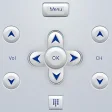
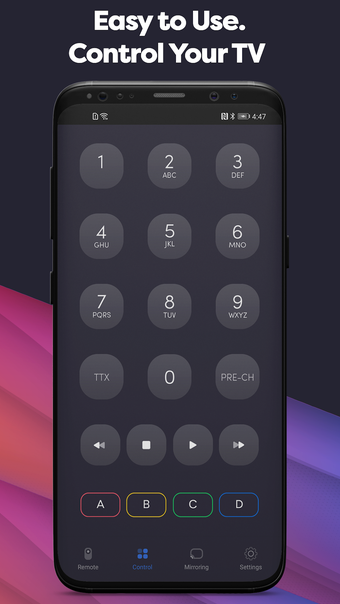
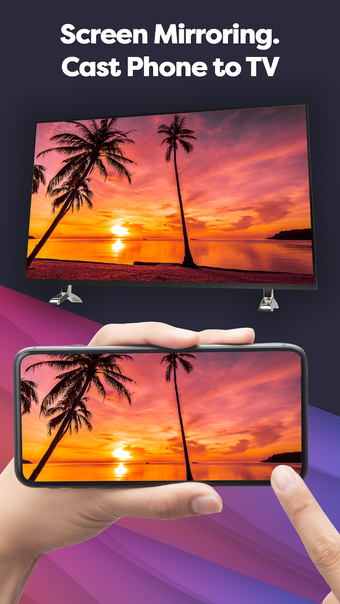
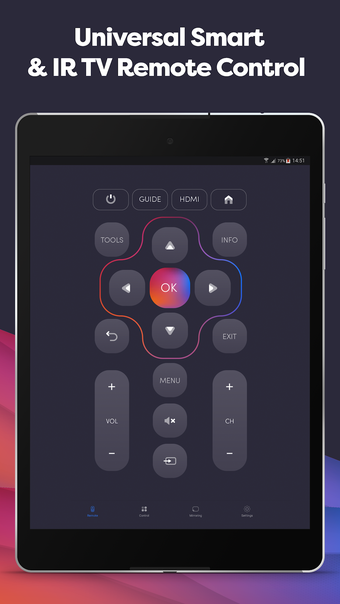
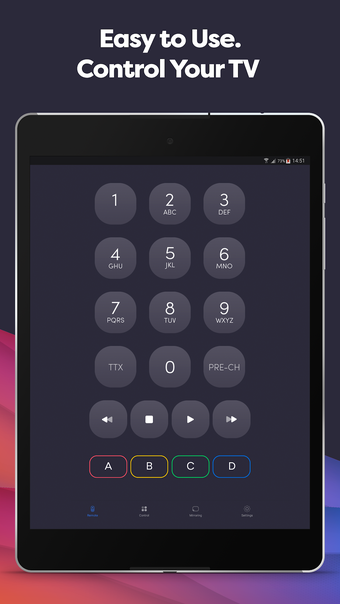
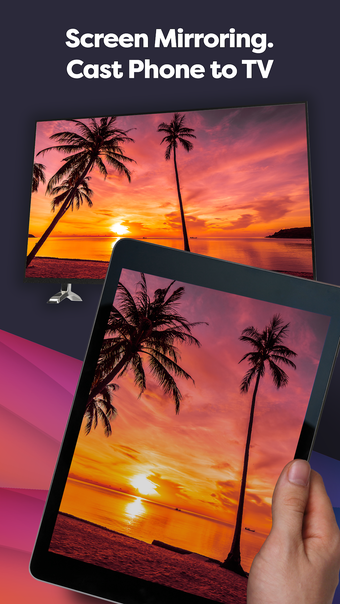
Much like your classic universal remotes, UniMote - Universal Smart TV Remote Control allows you to adjust your television’s volume and other settings in addition to changing the channel. Best of all, you can even use it to begin screencasting videos from your device to your TV.
What can it do?
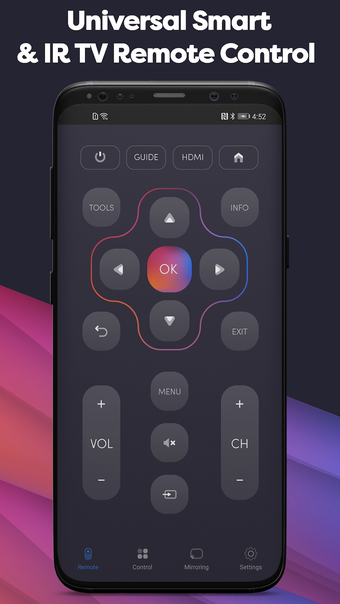
With UniMote - Universal Smart TV Remote Control, users can freely manage their TVs without having to make use of a physical remote control, which can be pretty helpful for instances where multiple areas of your home need to use the controller. The scope of UniMote's functionalities is where it truly shines. It caters to both smart TVs through Wi-Fi connectivity and regular televisions via an IR Blaster.
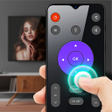
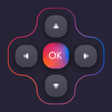
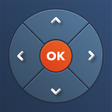
The sleek and modern interface is easy enough to navigate without feeling unfamiliar and can be used to perform a number of actions—like view the TV guide, change HDMI connections, and share your device’s screen—in a quick and comfortable manner. Users should keep in mind, though, that in order to maximize the app’s functions, both devices have to be connected to the same Wi-Fi and the television has to be already switched on.
Numerous users have also noted issues with a proliferation of pop-up ads that can slow the app’s performance. These ads also appear in short intervals of each other, which makes it even more difficult to actually make use of the app for its main purpose. You can opt to make an in-app purchase, however, to remove ads from the app completely.
Great when it works
UniMote - Universal Smart TV Remote Control is a simple yet helpful solution for when you’ve lost your television remote or for homes that have multiple televisions that are typically used simultaneously. Its compatibility with various TVs and the comfortable UI both make it easy to operate without having to read a manual. However, with too many ads getting in the way of app usage, it could still use some work.

.png)